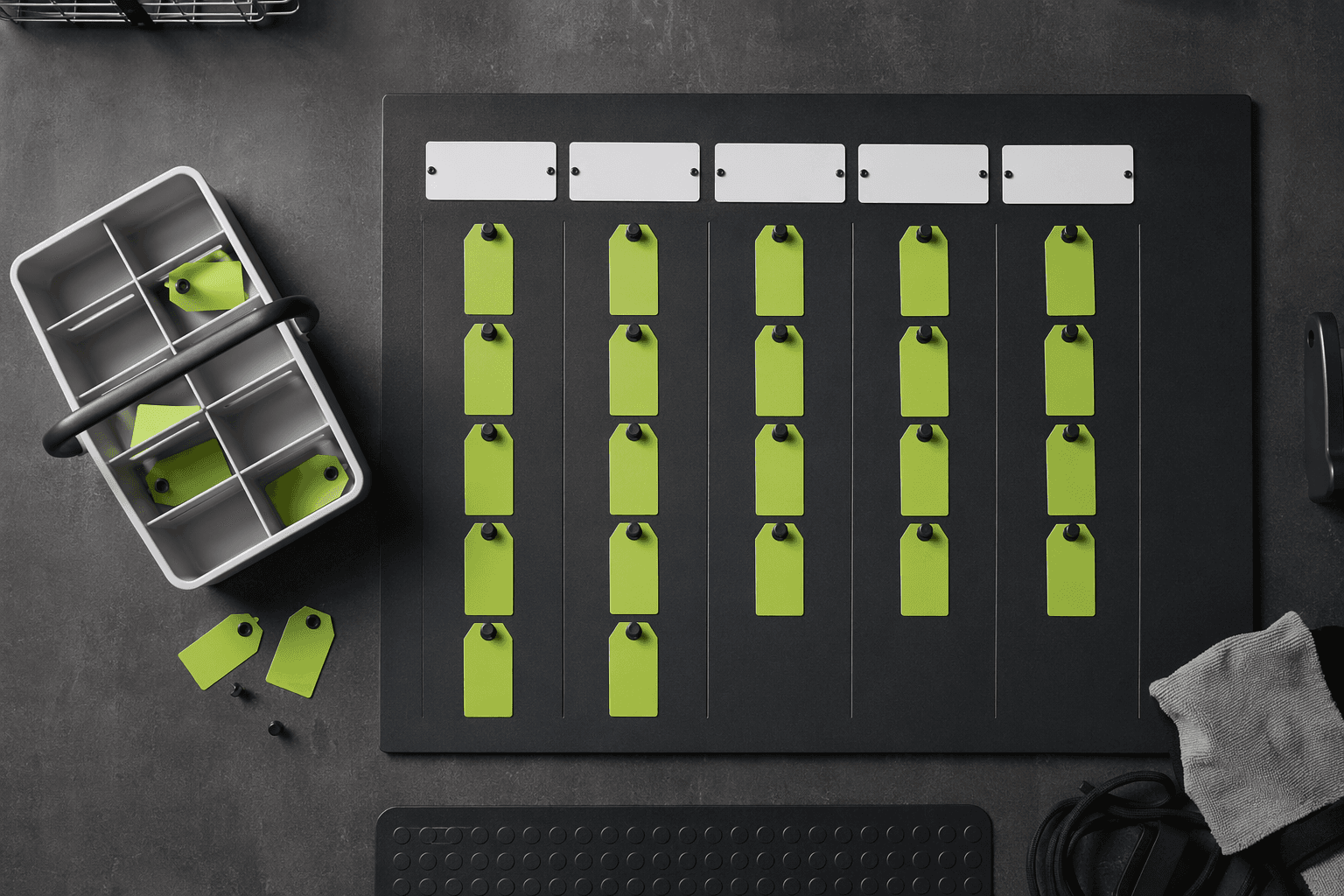
Generate a weekly household task board
Tell the studio about your home and it arranges a task wall: day lanes, signal-green task tags, grouped kit shelves and a simple restock rhythm. Everything stays editable and lives in your browser.
Board inputs
Kit shelves preview
Your task wall appears here
Set your household inputs on the left, then generate a weekly task board with lanes, kit shelves and a restock rhythm.
A repeatable way to plan ordinary household chores
Describe your home
Enter household size, the chores you repeat, your utility corner and the rhythm you prefer. No accounts or personal records required.
Generate the task wall
The studio arranges your inputs into a weekly task board with day lanes, signal-green tags and grouped kit shelves.
Tune the lanes
Swap tags between lanes, adjust the cadence and pin the chores that matter most this week. Everything stays editable.
Set a restock rhythm
Match each lane to ordinary utility goods from the kit catalogue and set a simple restock reminder rhythm.